Back to Dashboard
Getting Started Guide
CustomRAMS — Step by Step
Welcome to CustomRAMS! This guide will walk you through the entire process — from creating your account to exporting professional Risk Assessment & Method Statement documents. Follow each step below.
Before you start
You will need a modern web browser (Chrome, Safari, Edge, or Firefox). CustomRAMS works on both desktop and mobile devices. For the best experience when creating documents, we recommend using a desktop or laptop.
12
Total Steps
~15 min
First Document
~5 min
With Risk Library
3
Export Options
Step-by-Step Instructions
Sign up with your email address and a password to get started.
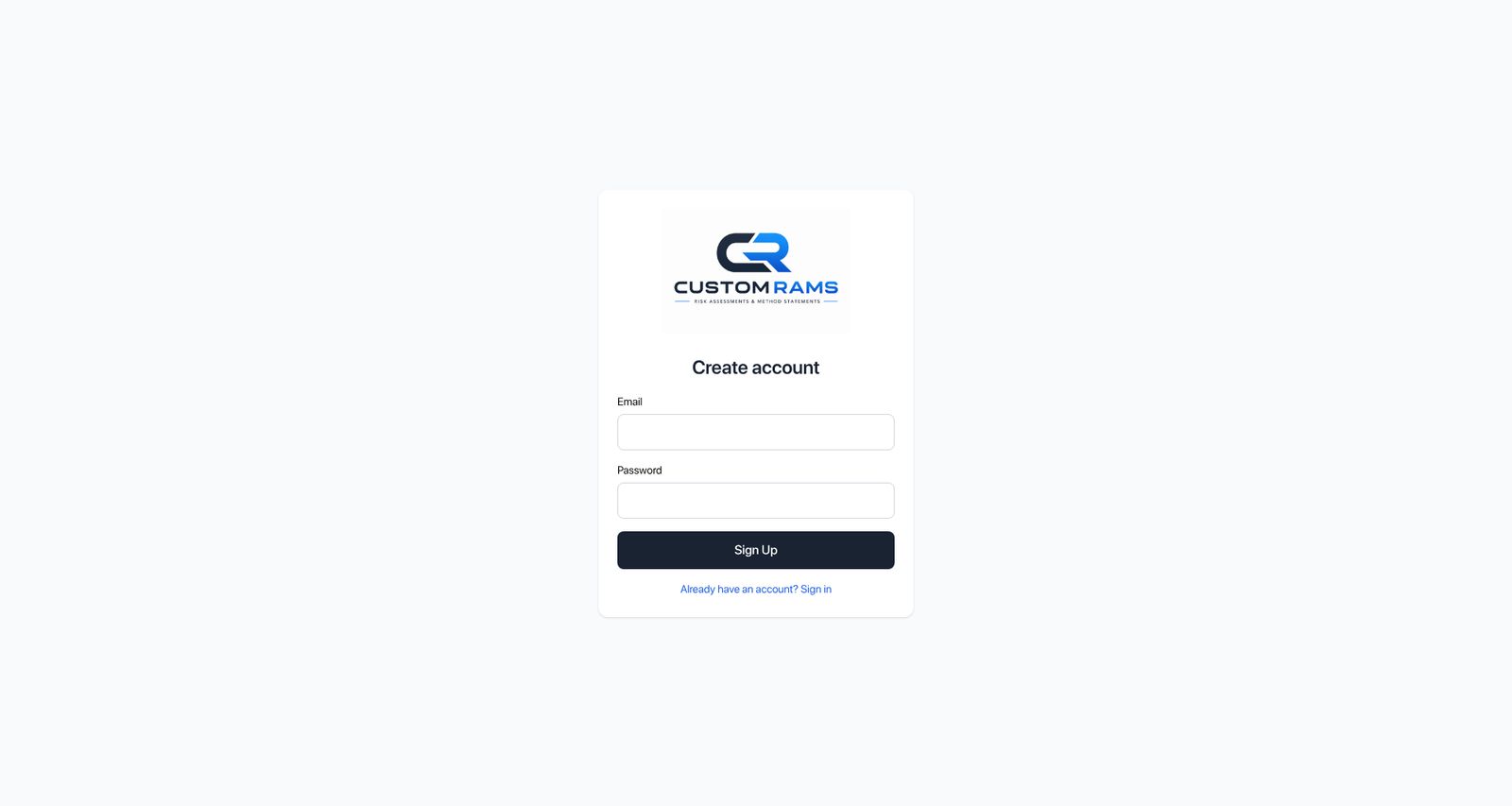
How to do it:
- 1Go to the Sign Up page.
- 2Enter your email address and choose a secure password (minimum 8 characters).
- 3Click "Sign Up" to create your account.
- 4You will be automatically signed in and taken to the main dashboard.
Tips
- Use a work email address so your team can easily identify you.
- If you already have an account, click "Already have an account? Sign in" at the bottom.
You're all set!
You now know everything you need to create professional RAMS documents. If you have any questions or feedback, please let the admin know.
CustomRAMS — Risk Assessment & Method Statement Platform